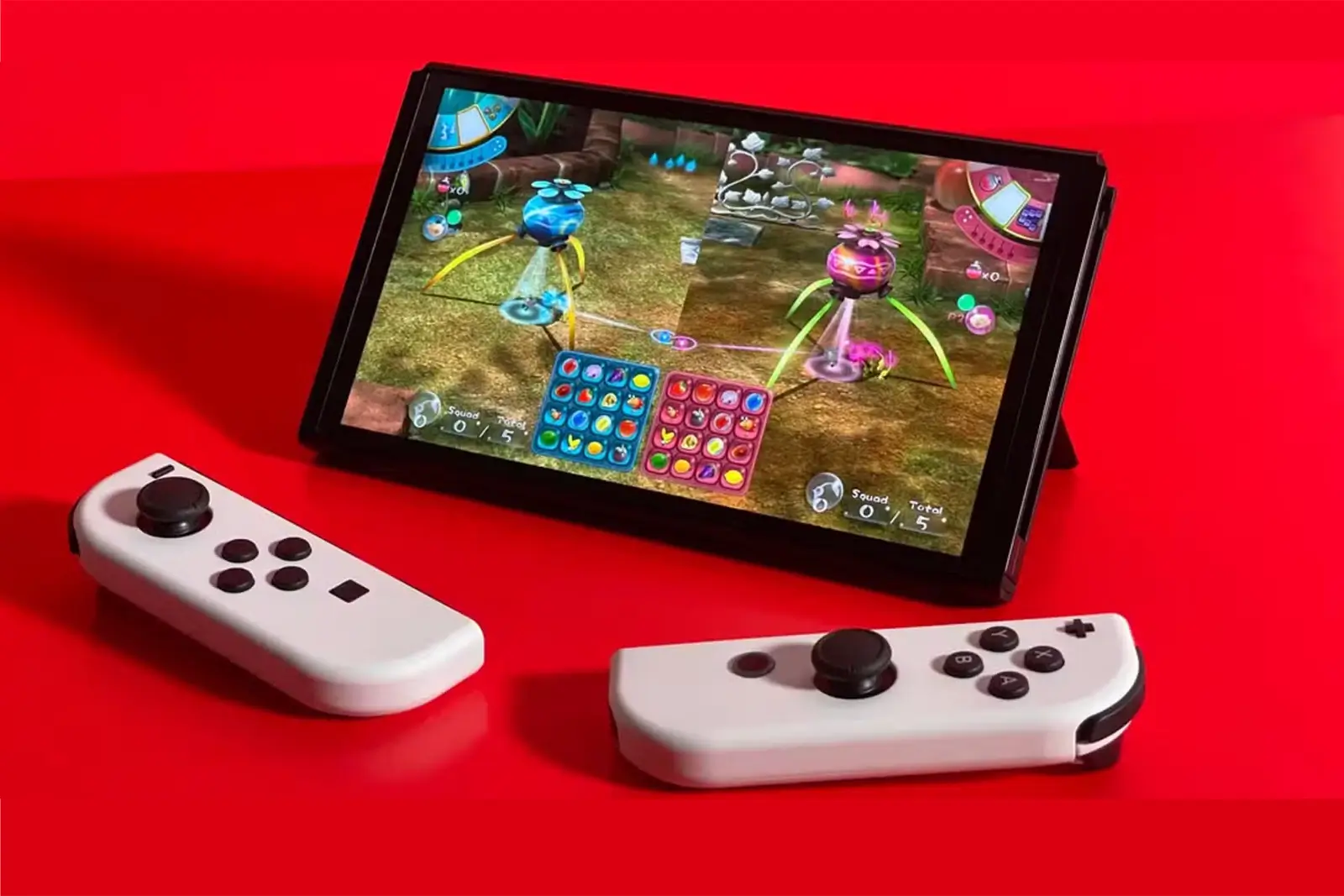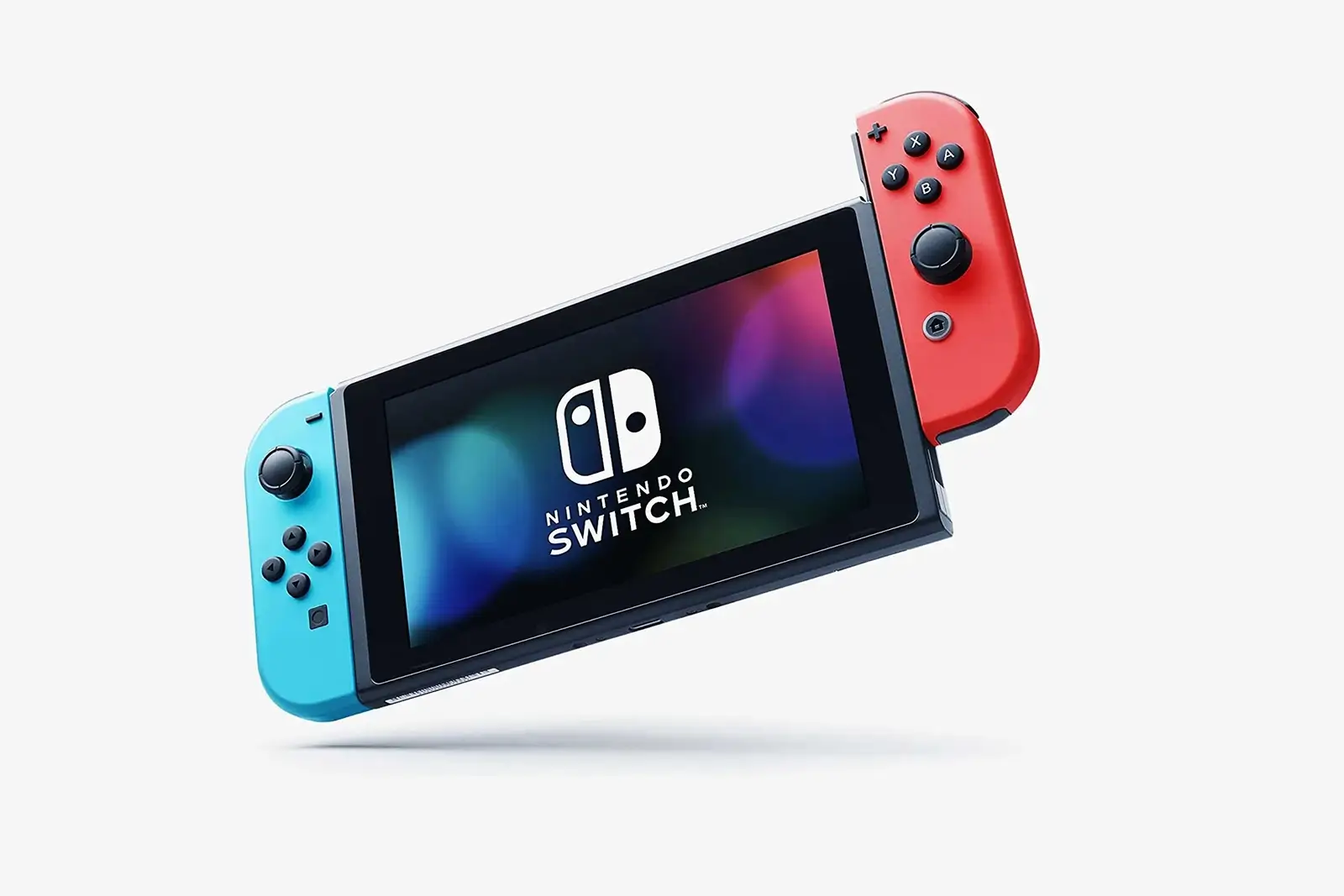
The Nintendo Switch has been a beloved console for years, praised for its unique hybrid design and incredible game library. What many players don’t realize, however, is that it is also packed with clever features and settings that are easy to miss . From smart organizational tools to accessibility options that make gaming easier, these hidden features can significantly enhance your experience.
- 1. Hide Virtual Game Cards from Your Library
- 2. Remap Your Controller Buttons
- 3. Find Lost Joy-Cons with the Controller Finder
- 4. Use Multiple Profiles for Extra Save Slots
- 5. Access the eShop from Other Regions
- 6. Unlock Secret Unlock Sounds
- 7. Long-Press the Home Button for Quick Settings
- 8. Charge Your Phone with Your Switch
- 9. Enable Dark Mode for Comfort and Battery Life
- 10. Use USB Peripherals in Docked Mode
Here are the best hidden Nintendo Switch features you should start using today.
1. Hide Virtual Game Cards from Your Library
A recent update introduced the Virtual Game Card system, which gives you a new way to manage digital games. A handy feature within this system allows you to hide specific games from your main list .
To hide a virtual game card, access the Virtual Game Card portal on your console, select the game you want to hide, and choose the hide option. Hidden games won’t appear in your main games list but can still be accessed through a separate, hidden folder if needed . While this doesn’t prevent the game from appearing in your play activity, it’s a useful way to keep your main library tidy or prevent others from seeing certain titles .
2. Remap Your Controller Buttons
If you’ve ever been frustrated by the Switch’s A/B button layout (which is reversed compared to an Xbox controller), there’s a solution. The Switch includes a system-wide button mapping feature that lets you customize the layout of any paired controller .
To use this feature, go to System Settings > Controllers and Sensors > Change Button Mapping. You can then remap individual buttons on your Joy-Cons or Pro Controller and save these configurations as presets for different games . This is incredibly useful for adapting the controls to your muscle memory or accommodating accessibility needs .
3. Find Lost Joy-Cons with the Controller Finder
The Joy-Cons are small and can easily get lost between couch cushions or under furniture. The Switch’s Find Controllers feature can save the day . To use it, navigate to the Controllers tab on the home menu and select Find Controllers . The console will then display all paired controllers, and selecting one will cause it to vibrate, making it much easier to locate .
4. Use Multiple Profiles for Extra Save Slots
Some popular Nintendo games, like Animal Crossing: New Horizons and many Pokémon titles, only allow one save file per console or user . This can be a problem if multiple people want to play or if you want to start a new game without deleting your progress.
A clever workaround is to create a new user profile on your Switch . Go to System Settings > Users > Add User and follow the instructions. Each user gets their own save data, effectively giving you an extra save slot .
5. Access the eShop from Other Regions
The Nintendo Switch is not region-locked, meaning you can play physical game cartridges from any region . This also extends to the digital store. You can create a separate Nintendo account linked to a different country, such as Japan, and access that region’s eShop . This allows you to browse exclusive titles, find different sales, or play games that haven’t been released in your country yet .
6. Unlock Secret Unlock Sounds
This is a playful hidden feature that many players never discover. When you wake up your Switch by pressing a button three times, the console plays a sound. However, the sound is different depending on which button you press . For example, pressing the triggers or control sticks produces different noises than the standard A or B buttons . It’s a small Easter egg that adds a touch of charm to the console’s design .
7. Long-Press the Home Button for Quick Settings
While in a game, you can hold down the Home button on your right Joy-Con for a few seconds to bring up a quick-access menu on the right side of the screen . This menu provides shortcuts to adjust screen brightness, volume, toggle Airplane Mode, and put the console to Sleep Mode . It’s a much faster alternative to navigating through the main settings menu.
8. Charge Your Phone with Your Switch
In a pinch, you can use the Nintendo Switch’s USB-C port to charge other devices, like a smartphone . All you need is a compatible USB-C to USB-C cable. While it’s a handy emergency feature, it’s worth noting that this will drain your Switch’s battery .
9. Enable Dark Mode for Comfort and Battery Life
While many might know about dark mode on their phones, some are surprised to learn the Switch has it too. You can change the system theme to “Basic Black” under System Settings > Themes . This is less harsh on the eyes in dark environments and can slightly improve battery life, particularly on the OLED model .
10. Use USB Peripherals in Docked Mode
The Switch dock has USB ports that are often overlooked. You can plug a USB keyboard into the dock to type more easily when using the eShop or entering text in games . Similarly, you can connect a USB headset or dongle for a wired audio option while the console is docked .
These hidden features demonstrate that the Nintendo Switch has much more to offer than meets the eye. Taking a few minutes to explore these settings can make your console more personalized, convenient, and fun to use.